⚙️
Create Your Own Categories
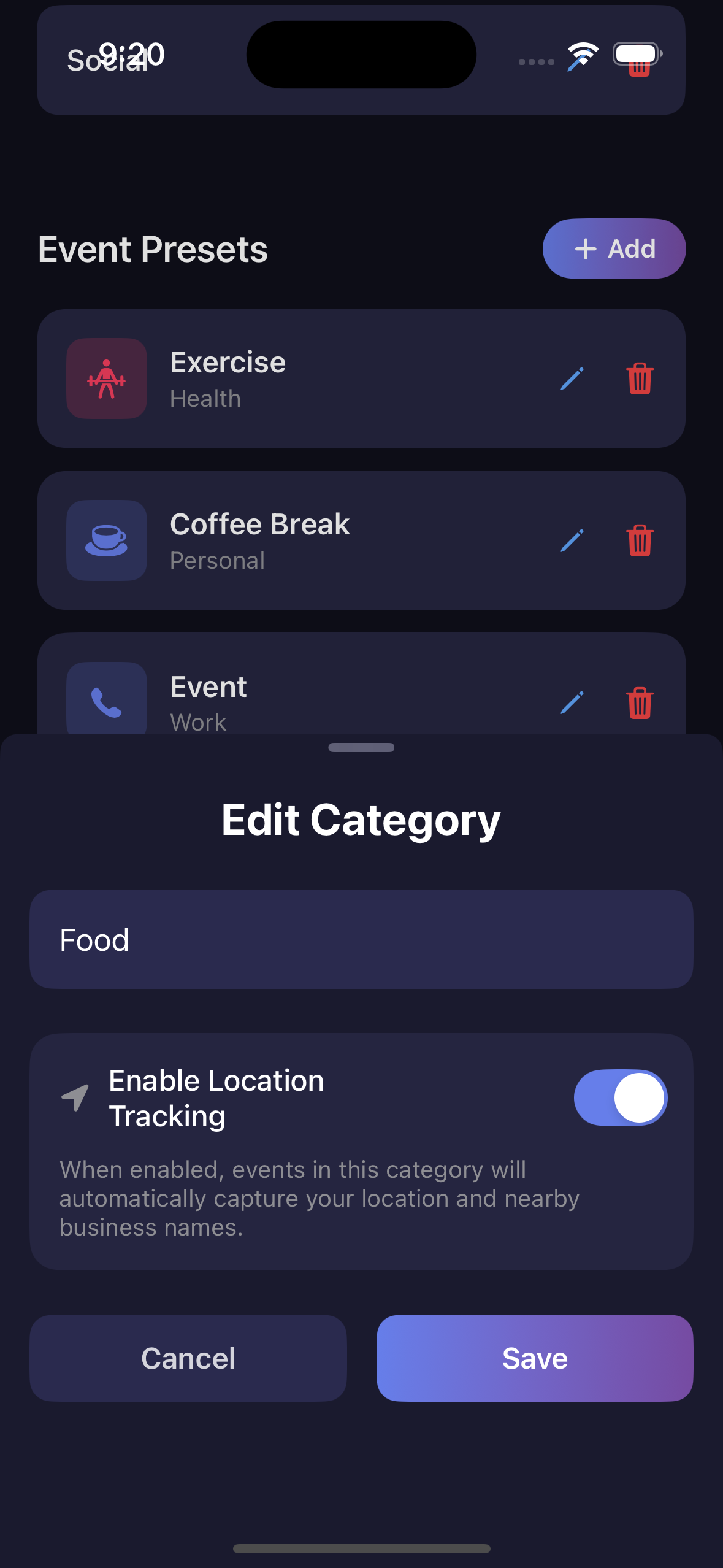
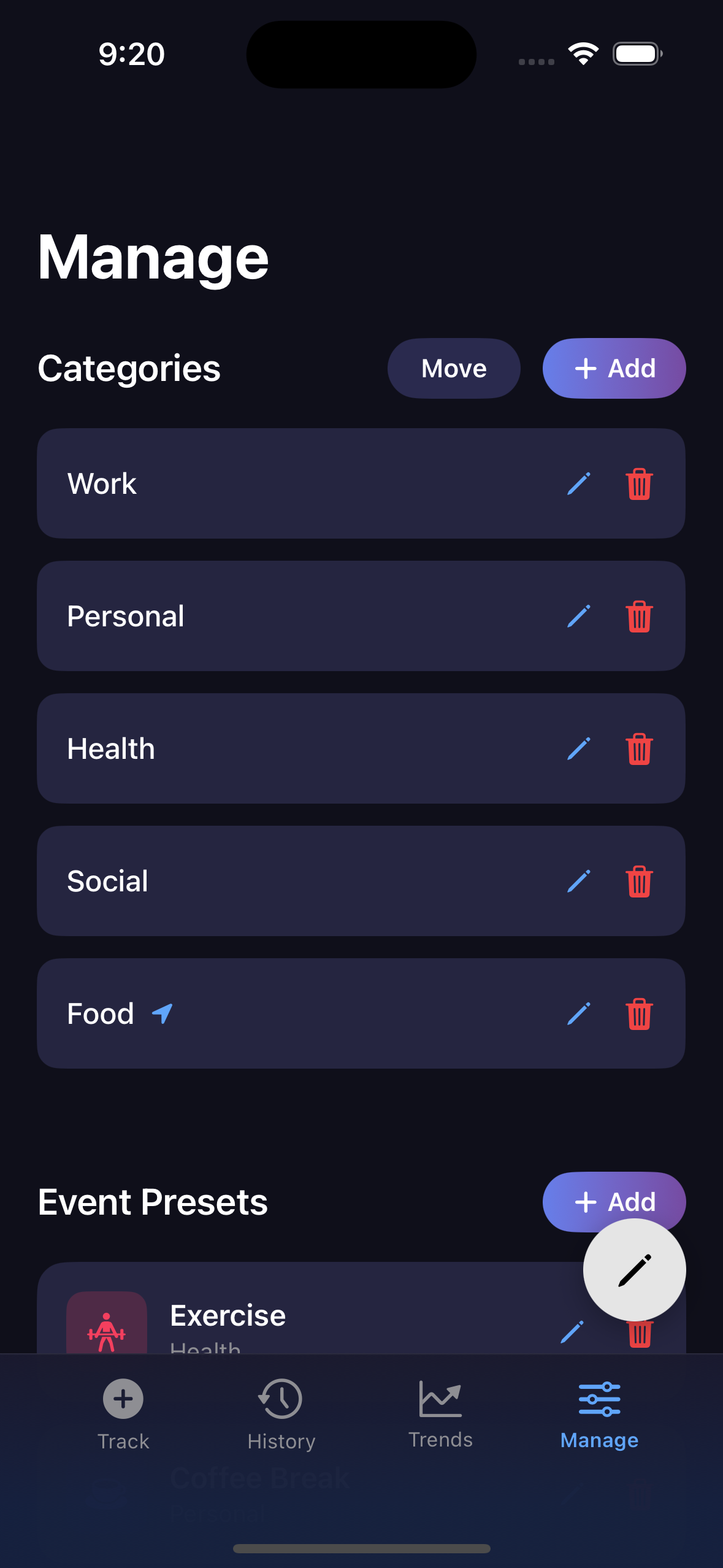
Define categories that match your life — Work, Personal, Health, Social, Hobbies, or anything else. Add, rename, or remove them anytime. Your tracking system, your rules.
🎨
Custom Colors for Every Tap
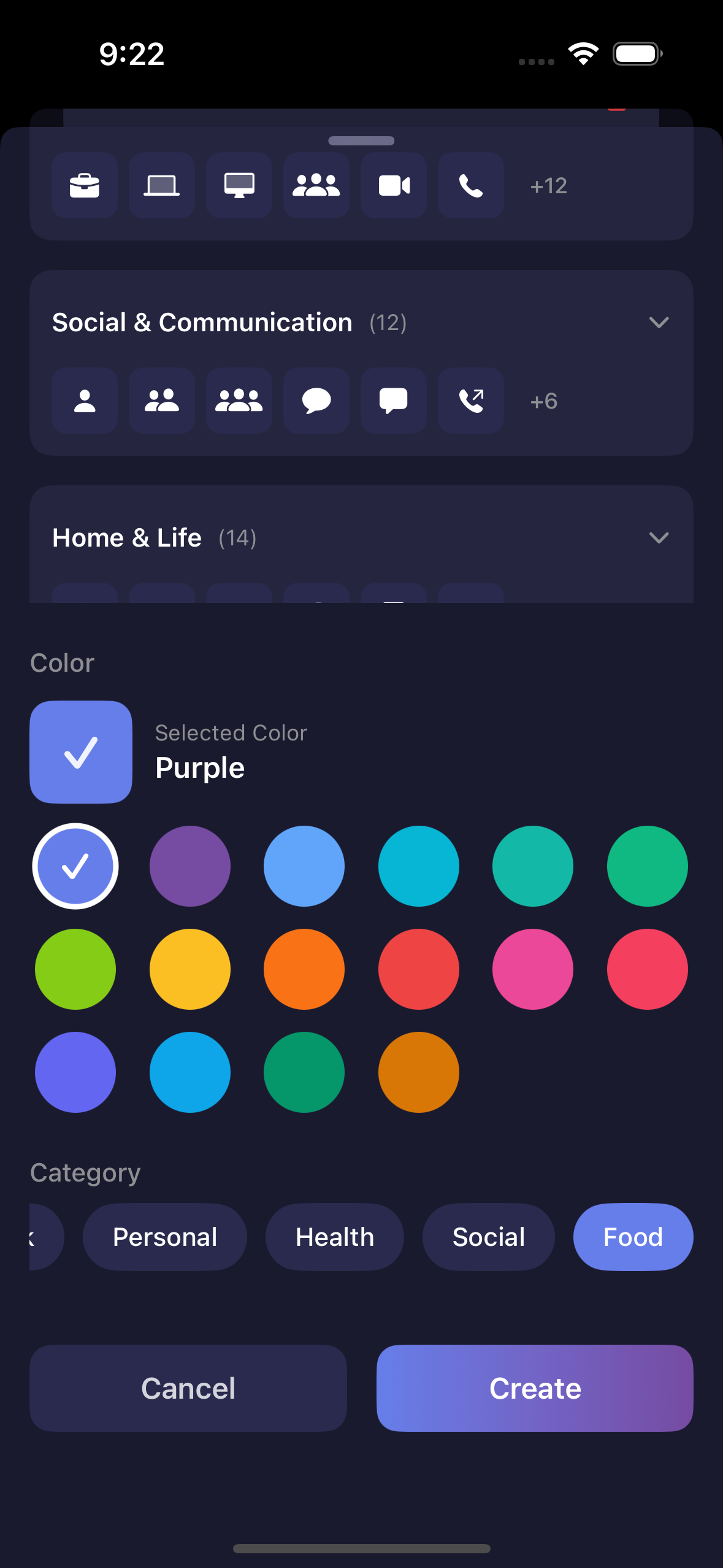
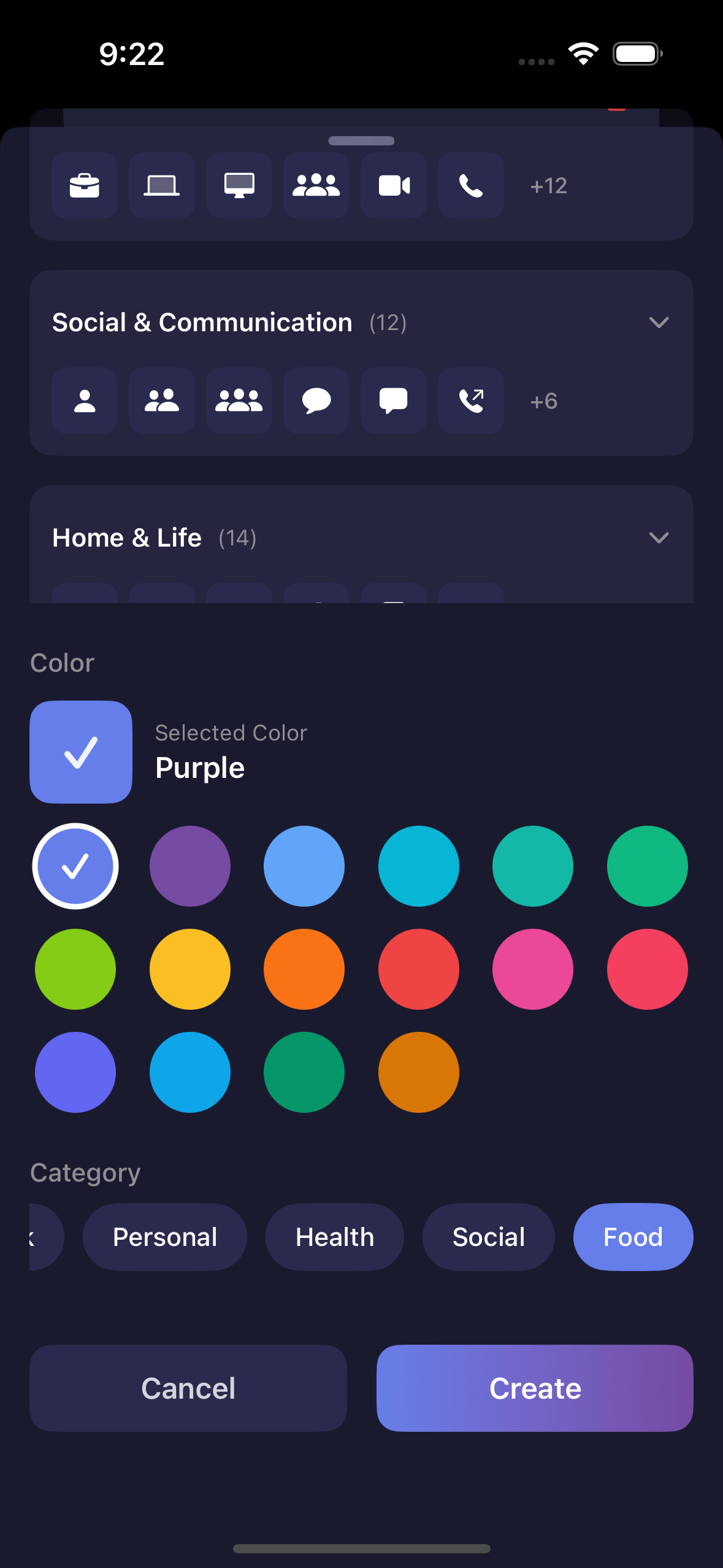
New in 1.2: Pick from 16 curated colors for each tap preset. Colors make your taps instantly recognizable throughout the app — on the tracking screen, in history, and in trends. Create a visual system that matches your style.
👆
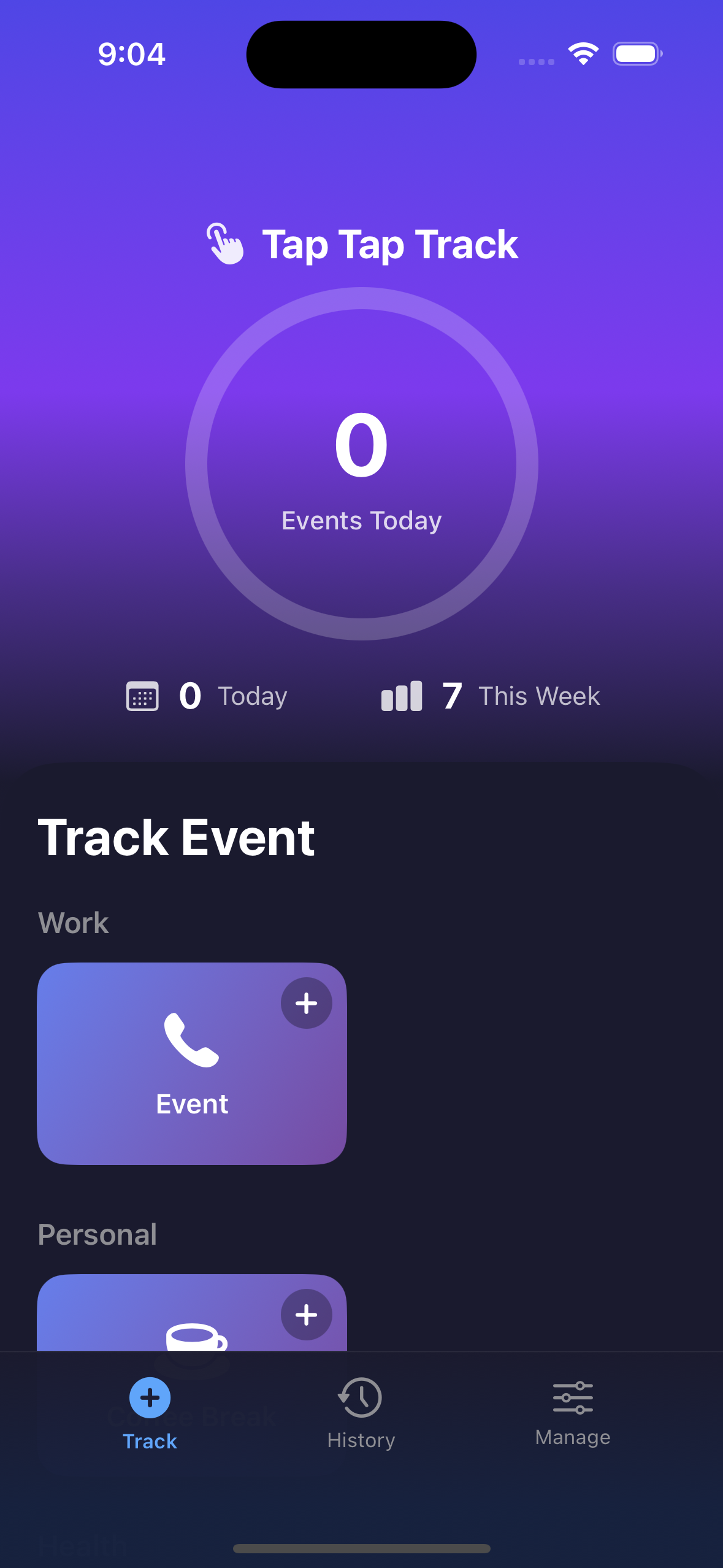
One-Tap Tracking
Once configured, log any tap with a single press. No forms, no typing, just tap.
🧭
Guided Onboarding
New in 1.5: A quick onboarding flow helps you set up taps, pick categories, and start tracking right away.
📍
Location Logging & Check-ins
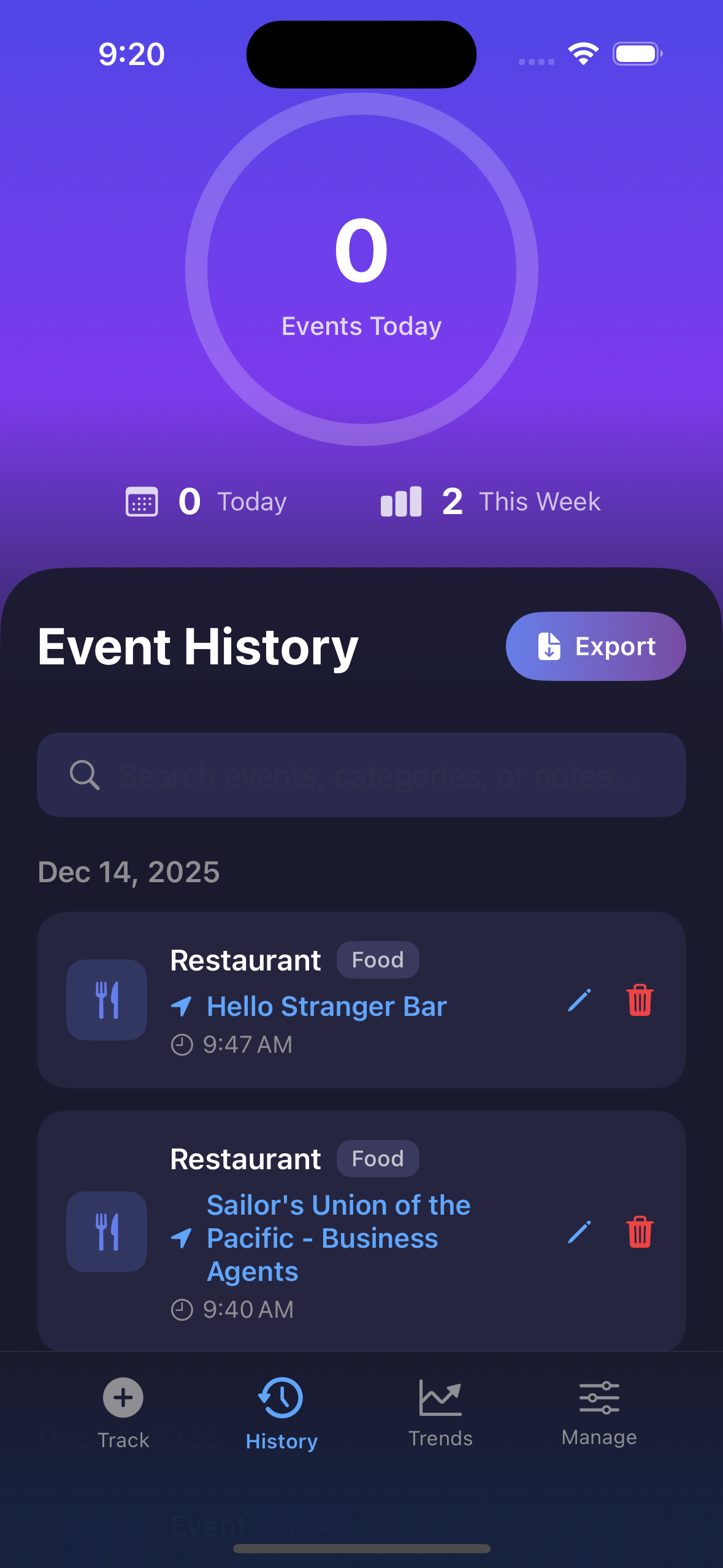
Updated in 1.4.1: Location logging is now configured per tap preset for more granular control. Enable location logging for specific taps to automatically capture GPS coordinates and nearby business names. Perfect for check-ins, travel logs, and location-based event logging. Location data is stored locally and never shared.
📊
Charts & Trends Analysis
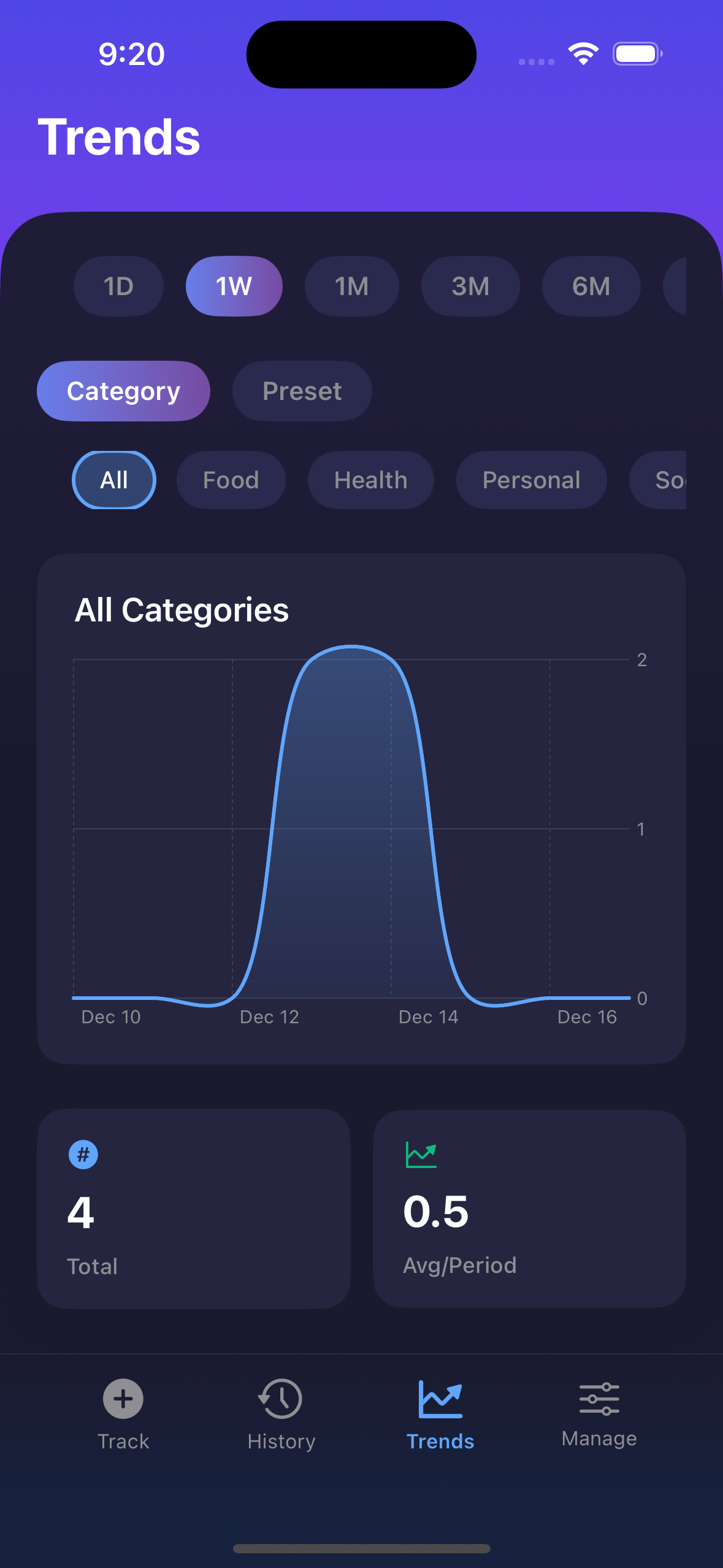
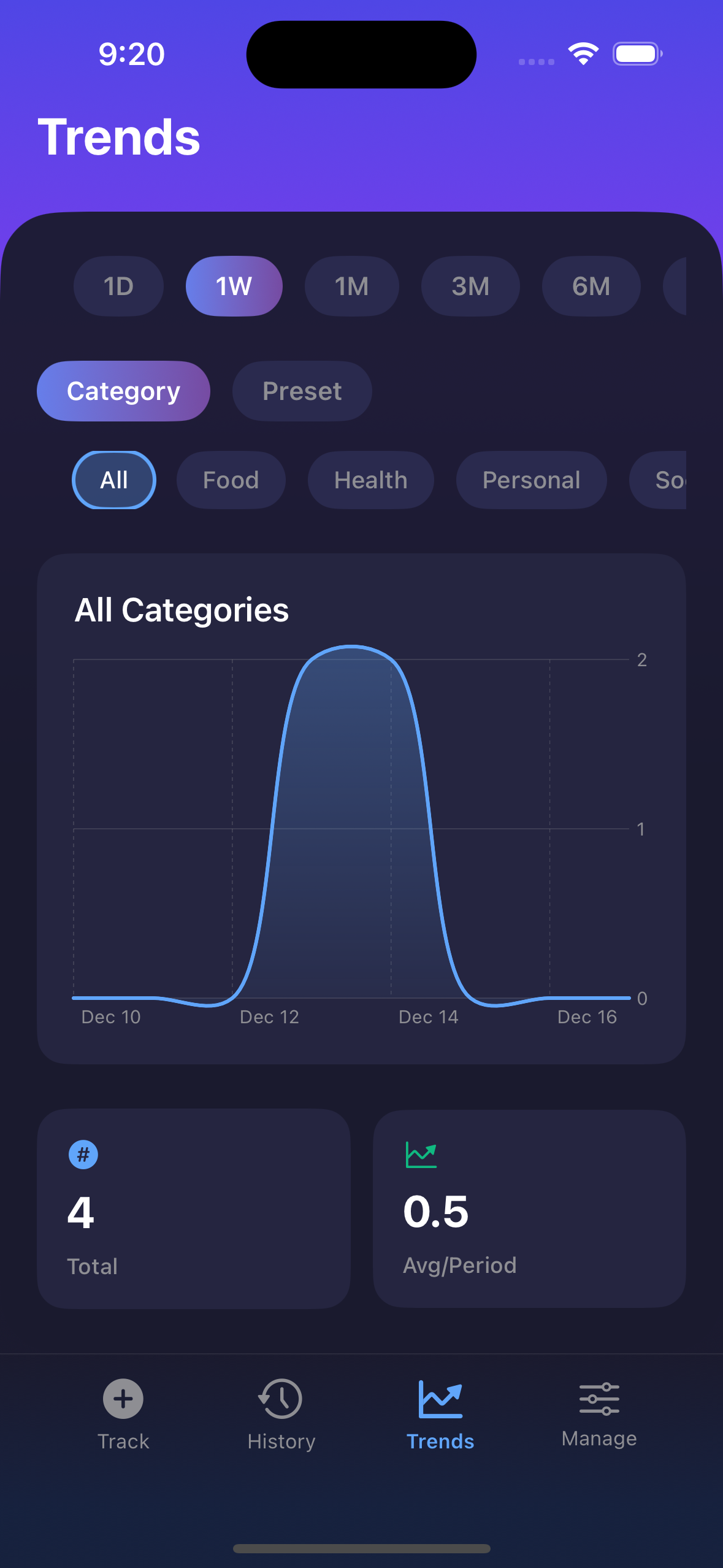
New in 1.2: Visualize your tracking patterns with beautiful charts and trend analysis. See daily and weekly statistics, spot patterns over time, and understand your habits better. All your data, beautifully presented.
📤
CSV Export & Import
Export all your data anytime. Import from CSV or Foursquare. Your data belongs to you, always accessible.
⚡️
Quick Tap Shortcuts
New in 1.5: Jump to Manage with a "Configure Taps" button, long-press any tap to edit it, and tap stats to jump to History or Trends.
🔍
Powerful Search & Filtering
New in 1.3: Search across thousands of events instantly. Filter by keyword, date range, or both. Quick date filters for common ranges. Optimized performance handles large datasets smoothly.
✏️
Fully Configurable Tap Presets
Every tap is customizable. Choose from 200+ icons across 12 categories including Health & Fitness, Food & Drink, Work & Productivity, Social & Communication, Travel & Transport, and more. Pick custom colors to make each preset visually distinct. Name them anything you want. Assign to any category. Edit or delete anytime.